



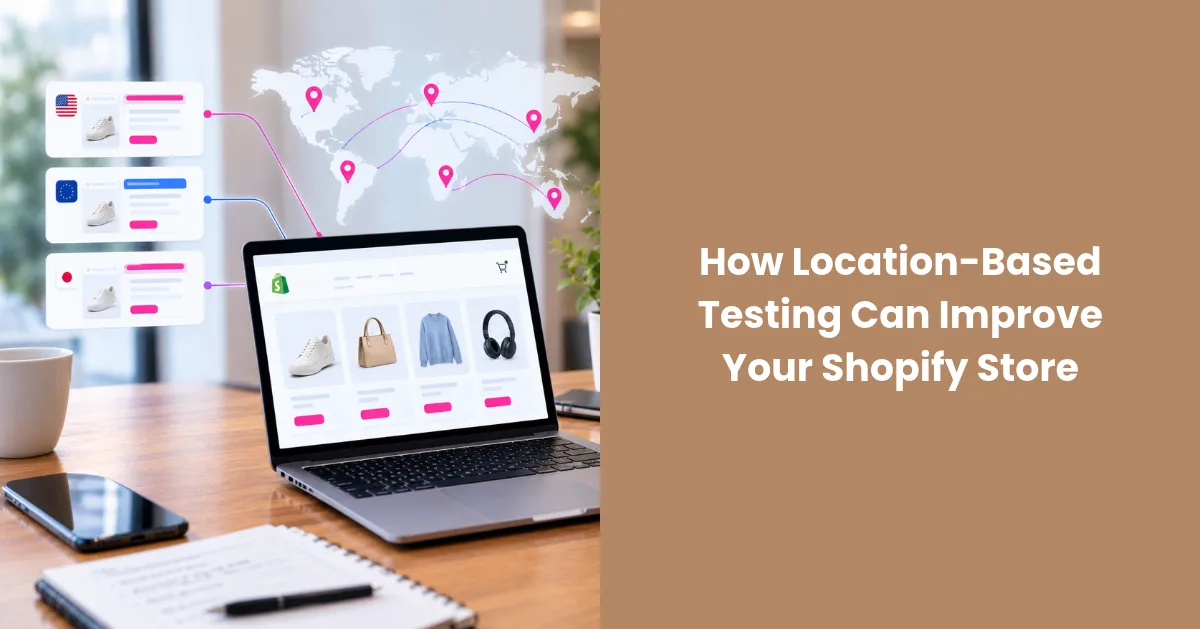
Most store owners test only from their own location, which means issues in other markets go undetected until a customer in France sees USD pricing, or a redirect sends a shopper in Japan to the wrong storefront.
Location-based testing solves the problem by simulating real browsing sessions from your target markets, so you can catch localization errors before they cost you conversions.
This article covers what to test, what breaks most often, and why using a reliable ISP proxy provider is the most accurate way to do it.
What Is Location-Based Testing for Shopify?
Location-based testing means accessing your Shopify store from IP addresses assigned to specific countries or regions to verify that each market's experience works as intended, which standard QA testing doesn't cover.
Shopify uses the visitor's IP to determine a number of market-specific variables:
- Which market or storefront version to serve
- Which currency and price to display
- Which language to default to
- Which shipping options and tax rates to show
When any of these triggers misfires, the customer lands on a broken or irrelevant experience, and most won't stick around to report it.
What Goes Wrong Without Location-Based Testing
The failure modes are more common than most store owners expect. Here are the scenarios that come up most often across international Shopify stores:
- Redirect failures: a customer from Germany lands on the US storefront because the geo-redirect rule has a gap in its exception logic.
- Wrong currency display: the market is detected correctly, but the currency conversion hasn't been configured for that region.
- Missing localized content: a promotional banner built for US visitors appears across all regions, including markets where the offer doesn't apply.
- Incorrect tax display: EU customers don't see VAT-inclusive pricing at checkout, which creates friction and increases cart abandonment.
- Broken ad landing pages: a geo-targeted Meta or Google ad sends traffic to a localized URL that resolves incorrectly for visitors from that country.
None of these errors are visible from your home IP. The only way to find them is to access the store the way a visitor from that market does.
What to Test for Each Target Market
A clear scope makes location-based testing faster and more consistent. Below are the elements worth verifying every time you add or update a market in your Shopify store:
- Geo-redirects: confirm visitors land on the correct market URL, subdomain, or subfolder as configured in Shopify Markets.
- Currency and pricing: verify the right currency displays with accurate converted amounts.
- Language defaults: check that the store loads in the correct language without requiring manual switching.
- Checkout and shipping: validate that shipping options, estimated delivery times, and tax rates reflect the customer's country.
- Promotional content: ensure region-specific banners, discounts, and product availability display correctly.
- Ad destination pages: test that geo-targeted campaign URLs resolve to the right market experience.
Covering six markets across the full checklist without a consistent setup makes results nearly impossible to reproduce.
Why ISP Proxies Are the Right Tool for This
VPNs are the first option most people reach for, but many VPN IP ranges are flagged by Shopify's traffic detection systems, which can alter the storefront experience being tested or block access entirely. What you see through a VPN connection may not reflect what an actual shopper from that country encounters.
Rotating residential proxies perform well for scraping, but their default behavior of cycling IP addresses between requests works against structured testing. When the address changes mid-session, reproducing the same conditions across multiple test runs becomes unreliable.
Registered under real internet service providers, ISP proxies carry residential-level trust signals and maintain a fixed address for the full session. The target site treats each request as it would from a genuine home connection, and nothing shifts between test steps.
Session consistency is especially important when verifying Shopify Markets configurations, where each market can use its own subdomain, subfolder, or country-level domain. Midway through a test, even a brief IP rotation can make a correctly configured redirect appear broken, or hide a real misconfiguration behind a clean result.
Final Thoughts
Localization errors don't surface as error messages; they show up in conversion data, long after the damage is done. Location-based testing lets you verify that every market receives the experience you built for it, before real customers find the gaps. With a stable ISP proxy setup, you can move through your core markets in a single session and catch problems while they're still easy to fix.


