



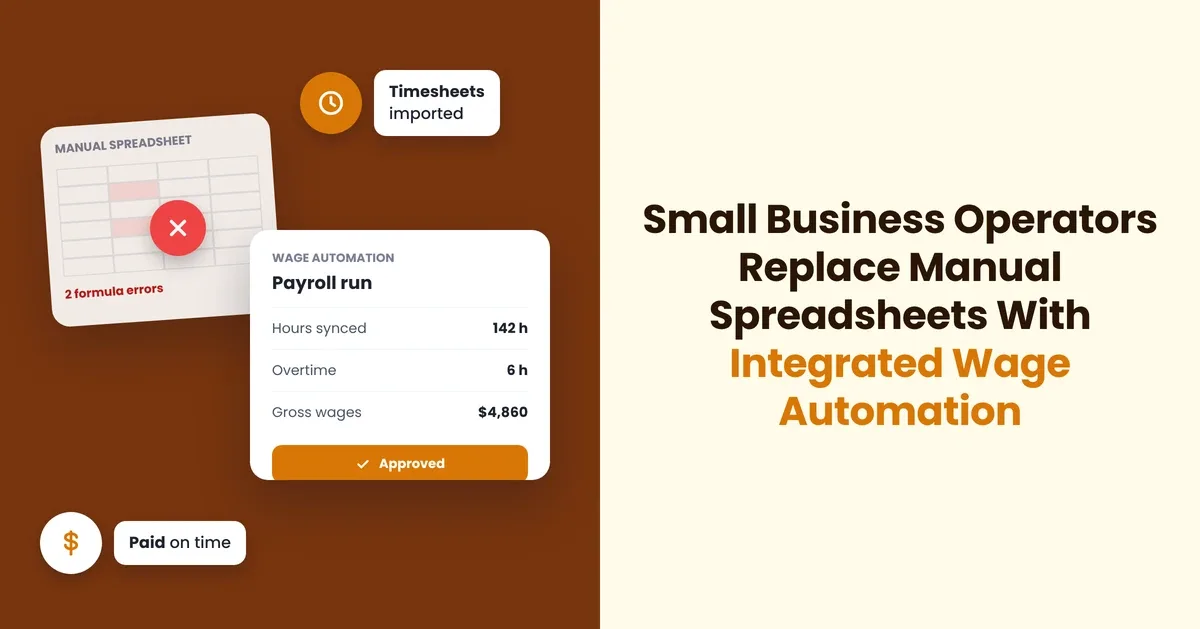
Managing your payroll by hand often feels like a manageable chore when you first hire a small crew. As your company adds remote workers across state lines and faces tighter federal labor standards, disconnected worksheets quickly turn into an administrative hazard.
You need systems that protect your time while keeping your operations compliant. Adopting automated wage software changes your internal workflow from an error-prone routine into a steady foundation for sustainable growth.
How Do Manual Spreadsheets Drain Your Working Hours?
Every pay cycle demands substantial attention when you tally hours across fragmented tabs and paper records. You retype hourly rates, copy withholding numbers, and double-check overtime calculations by hand, pulling your focus away from operational milestones. Data published by the U.S. Chamber of Commerce reveals that small employers provide jobs for nearly half of the nation's private workforce and generate 43.5% of the national gross domestic product. Supporting such an active share of the economy requires dependable systems, but manual data tracking bogs your staff down in administrative drag.
This time commitment expands rapidly when your business brings on remote staff or adds team members in different cities. Running manual entries late into the evening invites fatigue, which sharply increases the risk of transcription errors. Moving your wage tracking into an automated platform clears your desk of tedious verification work and protects your weekly productivity.
How Do Disconnected Workbooks Multiply Back-Office Errors?
Spreadsheet formulas break easily whenever someone accidentally overwrites a cell or deletes a hidden reference. You might not notice an outdated withholding percentage until tax season arrives, leaving you with mismatched records and unhappy workers. Tiny formula errors cascade across your entire ledger, producing cumulative balance discrepancies that distort your internal bookkeeping.
Fixing accounting issues requires deep reconciliation work that pulls you away from client service and team management. You must cross-reference past bank stubs against internal ledgers to find where a calculation failed. Automated calculation engines eliminate these recurring discrepancies by standardizing calculations across every pay cycle.
What Does Modern Back-Office Software Stack Selection Require?
Choosing the right digital infrastructure requires a clear understanding of your current workflows and future hiring plans. Modern payroll software simplifies your routine by synchronizing wage calculations directly with your business checking accounts. A clean user interface allows your administrative staff to process runs without extensive formal training.
You should seek tools that combine wage delivery, time-tracking integrations, and automated compliance updates under one subscription. When your core financial systems share information smoothly, you avoid duplicate data entry and preserve data integrity across every ledger. Connecting your back office into a unified ecosystem reduces operational overhead while supporting rapid business expansion.
Assessing Core Feature Integrations
Your administrative tools must connect with your operational apps to save manual effort. Choosing well-aligned software prevents data silos that slow down your monthly reporting.
- Synchronize working time: Connect digital punch clocks directly to your main wage engine to prevent manual keying errors.
- Streamline general ledgers: Map your gross wages, tax liabilities, and deductions straight to your accounting software charts.
- Coordinate bank feeds: Link business checking accounts to initiate electronic direct deposits automatically each pay period.
How Do Automated Tax Withholdings Protect Your Cash Flow?
Payroll tax obligations carry strict deposit timelines that can trip up even experienced entrepreneurs. Missing a federal, state, or municipal tax deadline triggers immediate fines and compounding interest that hurt your operating capital. Automated tax engines calculate the exact amounts owed and submit payment batches directly to the appropriate revenue agencies.
Keeping your tax obligations current gives you clarity over your actual liquid reserves. You never have to worry about a surprise tax assessment draining your operating funds. Running your business with automated tax deductions keeps your cash reserves predictable across the entire fiscal year.
Managing Complex Multi-State Regulations
Hiring remote workers broadens your talent pool but introduces multi-state tax obligations that complicate bookkeeping. Each state maintains distinct unemployment thresholds, worker classification criteria, and reporting cadences.
- Monitor local withholdings: Track municipal tax rates automatically based on employee home addresses.
- Track statutory filings: Submit quarterly state wage reports on time through automated filing channels.
- Standardize pay stubs: Deliver legally compliant pay statements that detail statutory deductions clearly for each jurisdiction.
Why Do Growing Teams Need Employee Self-Service Portals?
Answering basic staff questions about year-end forms and pay history consumes hours of administrative energy. Your team members often submit repetitive requests for previous pay slips when applying for mortgages, vehicle loans, or rental leases. Self-service portals give your workforce secure access to their documents without requiring your direct involvement.
Your workers can log into their private dashboards to pull year-end tax forms or inspect their accumulated paid time off balances. Autonomy builds trust between your management and your workforce while keeping private records organized. Giving employees immediate access to their financial records improves company morale and streamlines HR interactions across every department.
What Operational Safeguards Guard Against Regulatory Penalties?
Labor laws shift constantly, making manual regulatory compliance a risky proposition for small operations. A comprehensive industry survey published by the International Accounting Bulletin found that 40 percent of small business leaders suffered penalties from wage administration mistakes, while 31 percent still relied on spreadsheets or physical paperwork.
Automation protects your company by applying updated tax tables and labor regulations as soon as authorities release them. Digital platforms archive historical filings, year-end forms, and wage records in cloud repositories that satisfy state and federal retention requirements. Having organized digital records protects your enterprise during routine tax reviews or state labor inquiries.
How Can You Transition Your Team Without Disrupting Daily Operations?
Moving away from spreadsheets does not require shutting down your operational schedule or confusing your staff. You can run parallel tests alongside your manual workbooks for a single pay cycle to verify calculation accuracy before switching completely. Clear communication gives your workforce confidence as you introduce direct deposits and digital pay portals.
Taking a structured approach helps your administrative staff adopt new routines without unnecessary friction. Once your core payroll settings are live, running payroll transforms into a routine matter of minutes rather than a weekend-consuming chore. Your management team gains valuable hours to focus on business development, client satisfaction, and product innovation.
Administrative automation serves as an operational stabilizer rather than an overhead expense for your growing business. Upgrading from static spreadsheets to modern administrative tools protects your operating cash flow, shields you from costly regulatory penalties, and gives your employees dependable access to their earnings. Investing in reliable back-office systems provides the structural clarity you need to scale your company with total confidence.


